

The interesting corner

My DS3 Racing has the MyWay RNEG radio. This has bluetooth, but only for hands-free calls. For music, it came with this Baseus BA01 bluetooth to aux adapter from the guy I bought it. It works, but you have to control your phone to skip tracks or scrobble through them. I wanted to be able to use my steering wheel and radio buttons to control my bluetooth music, so I searched for a solution. After not that much Googling, I found this MN-BUA-RD4, which acts as a CD changer for the radio, but secretly just plays music from your phone through bluetooth.
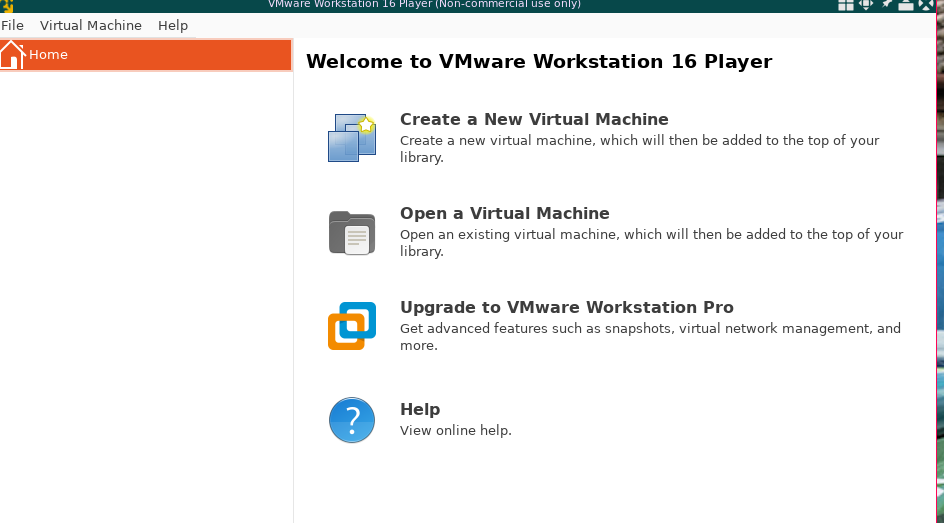
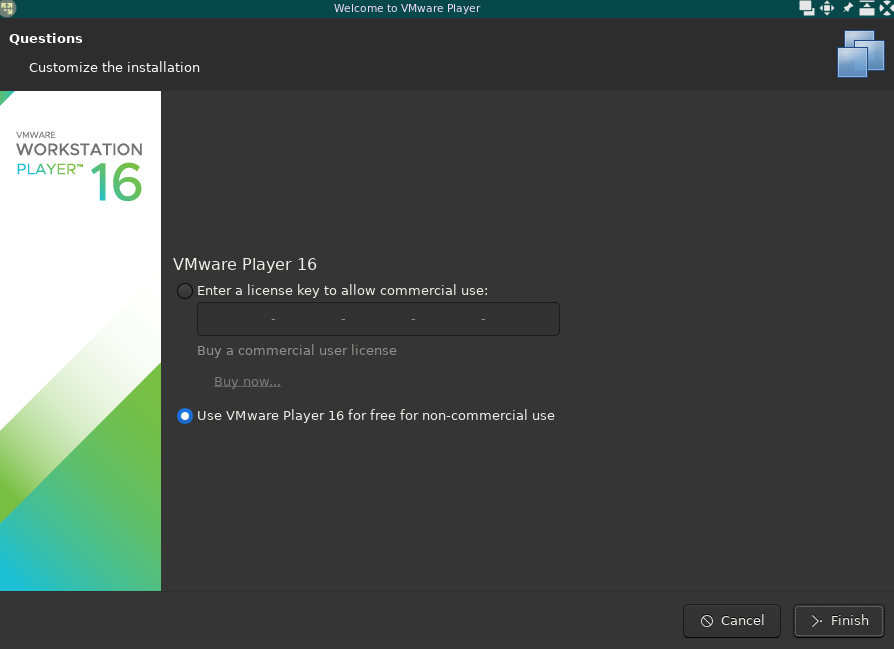
Getting this to work was a journey though. I just needed VMWare Player 16 and the DiagBox software. I found VMWare here: VMware 16
I needed to build the kernel modules to be able to run it, and for that I found this video on building vmmon and vmnet to fix it. I also needed to check if secure boot was enabled, which it was:
[$ | vmware-host-modules (104) > mokutil --sb-state
SecureBoot enabled
However, when I tried to enable the modules, I got this error:
[$ | vmware-host-modules (102) > sudo modprobe -v vmmon
insmod /lib/modules/6.8.0-60-generic/misc/vmmon.ko
modprobe: ERROR: could not insert 'vmmon': Key was rejected by service
After some googlin, I found out it was because I needed to sign the kernel modules. I also used this video to figure out how to install the MOK.
After finally having the kernel modules, I did have to run VMWare as root: sudo /usr/bin/vmplayer. After that I could start up diagbox (which is of course available in the library ;) DiagBox 9 that I used (Windows 7 VM image))
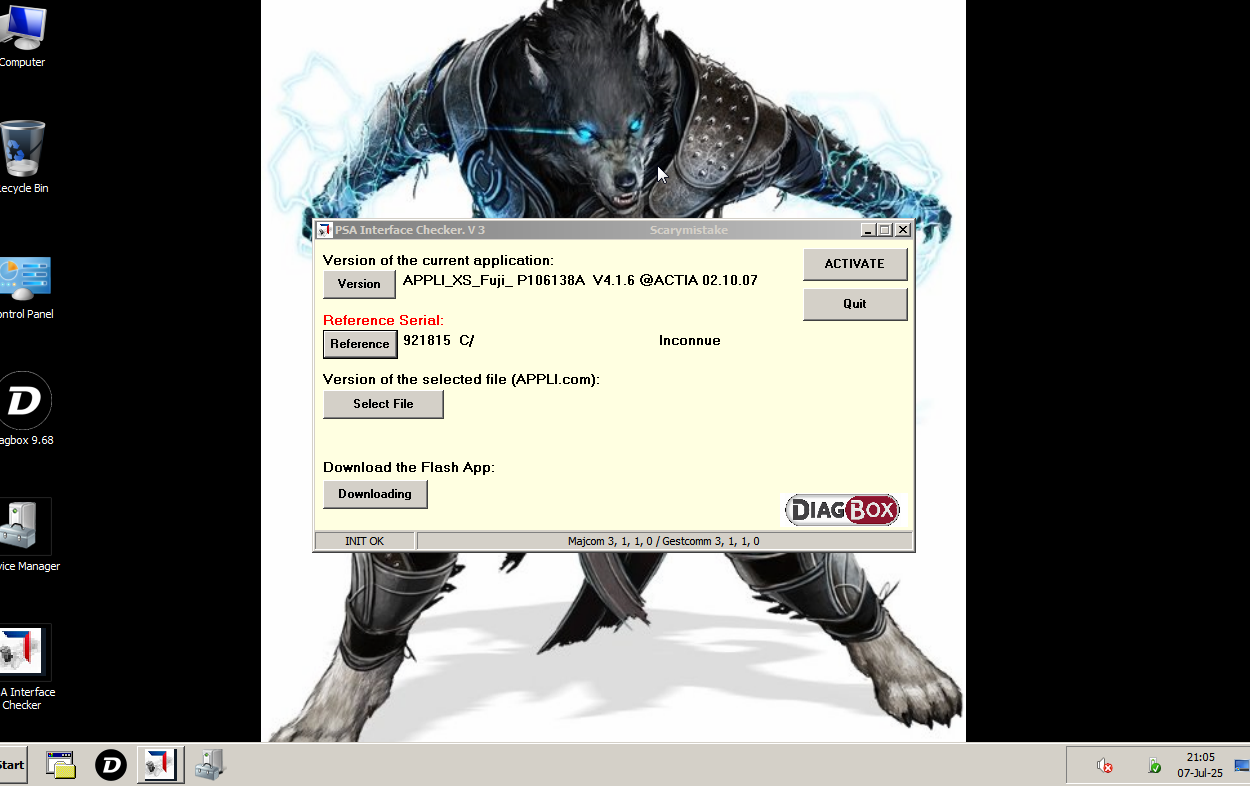
The bluetooth module that I bought had a video in the description on how to enable the CD changer, but that was for a different model without the TFT screen that my DS3 Racing has. I ended up finding the option to enable the CD changer in the Telematics/RTx menu. Also, I had to use expert mode to be able to make adjustments. After that, I also found that I needed to enable the CD changer ECU in the BSI by going to BSI -> ECUS PRESENT -> CD Changer
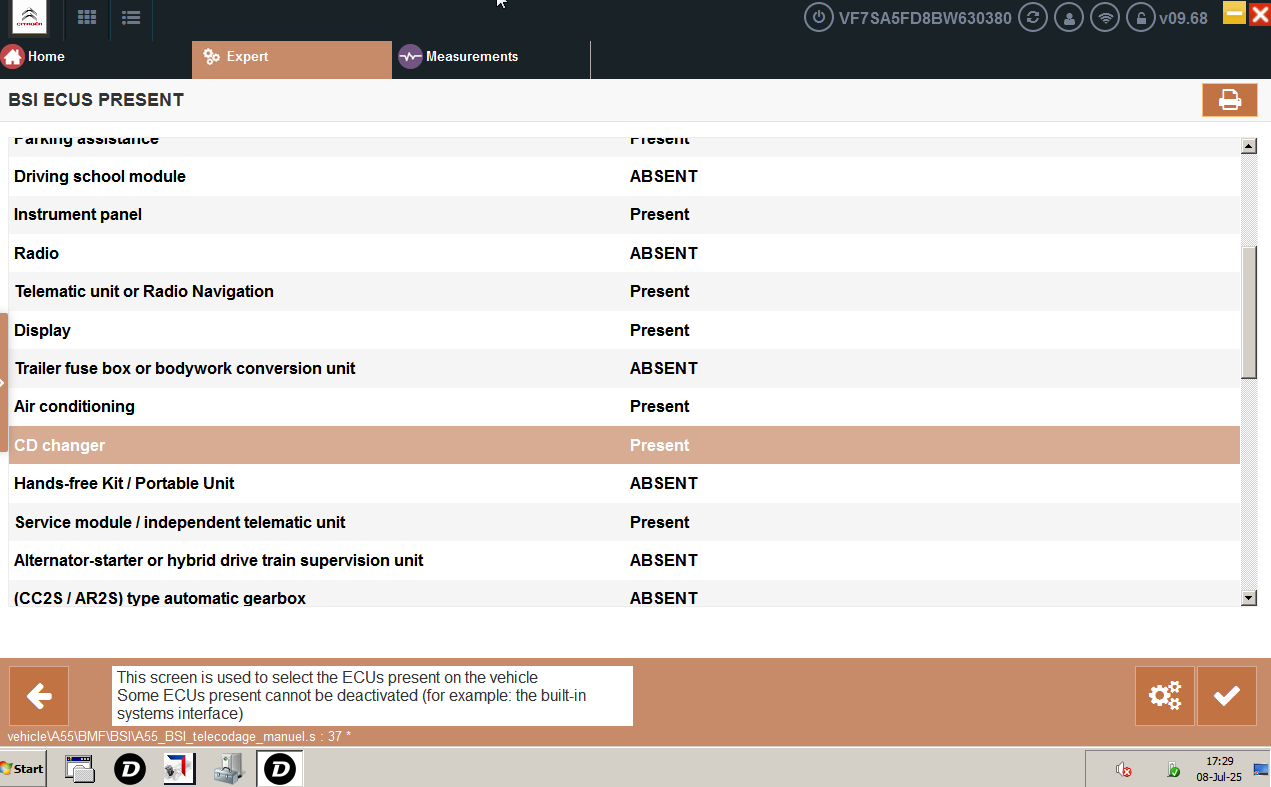
Took some effort, but it worked!
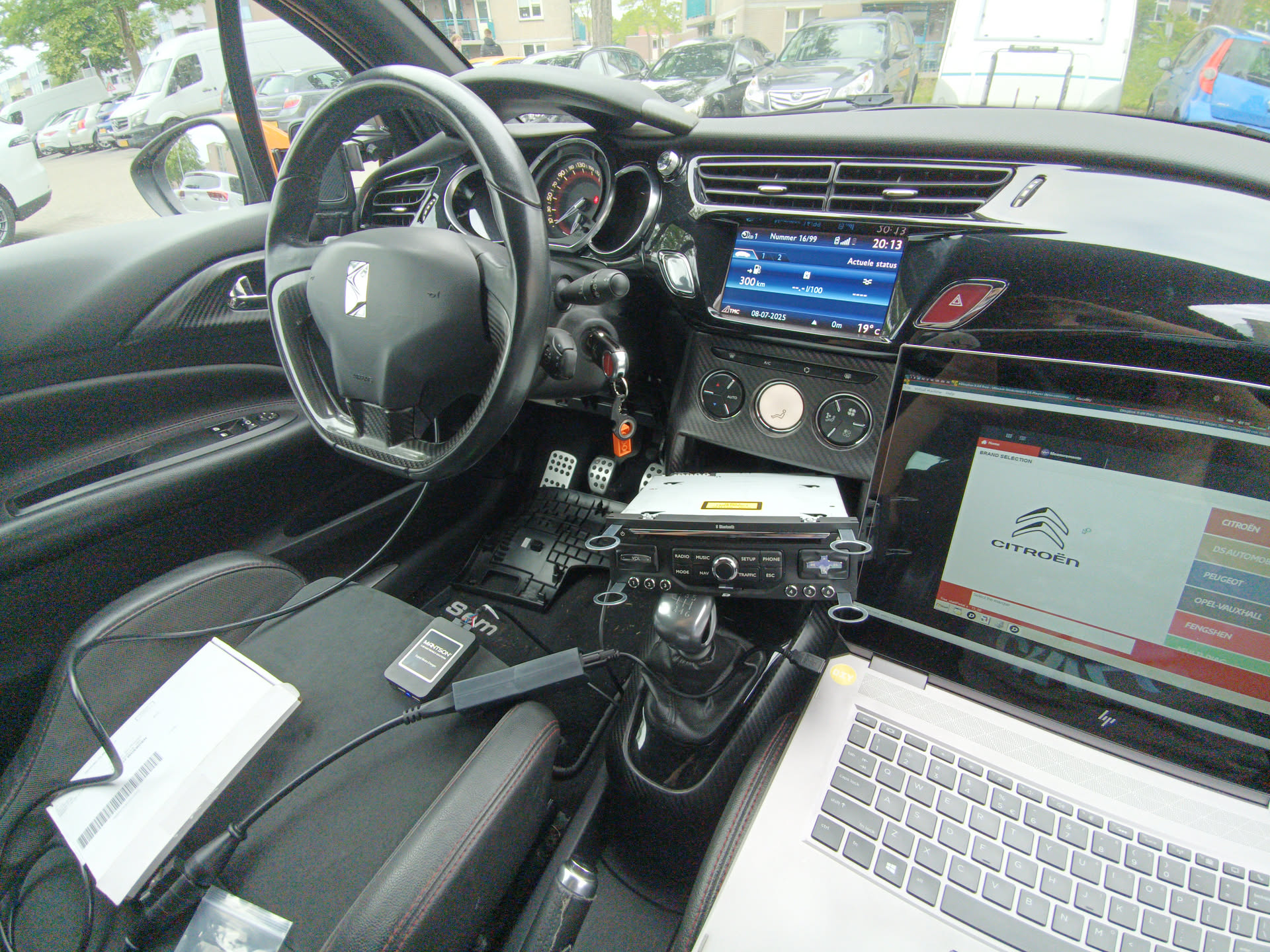
While I was doing this and searching for the VMWare and DiagBox software, I decided "Why not also update the navigation map". After a bit of searching I found the 2025 January MyWay navigation map on archive.org (~ ̄▽ ̄)~
I made a backup of the 2015 version that was on the original SD card in the library: ds3-2015-map.zip
Hi pookie :)