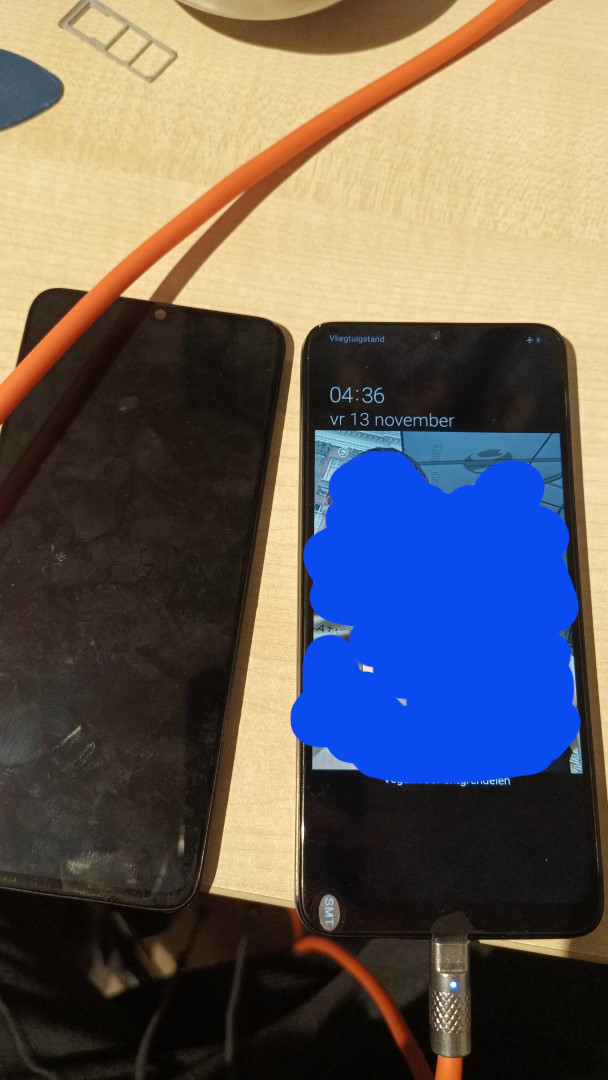
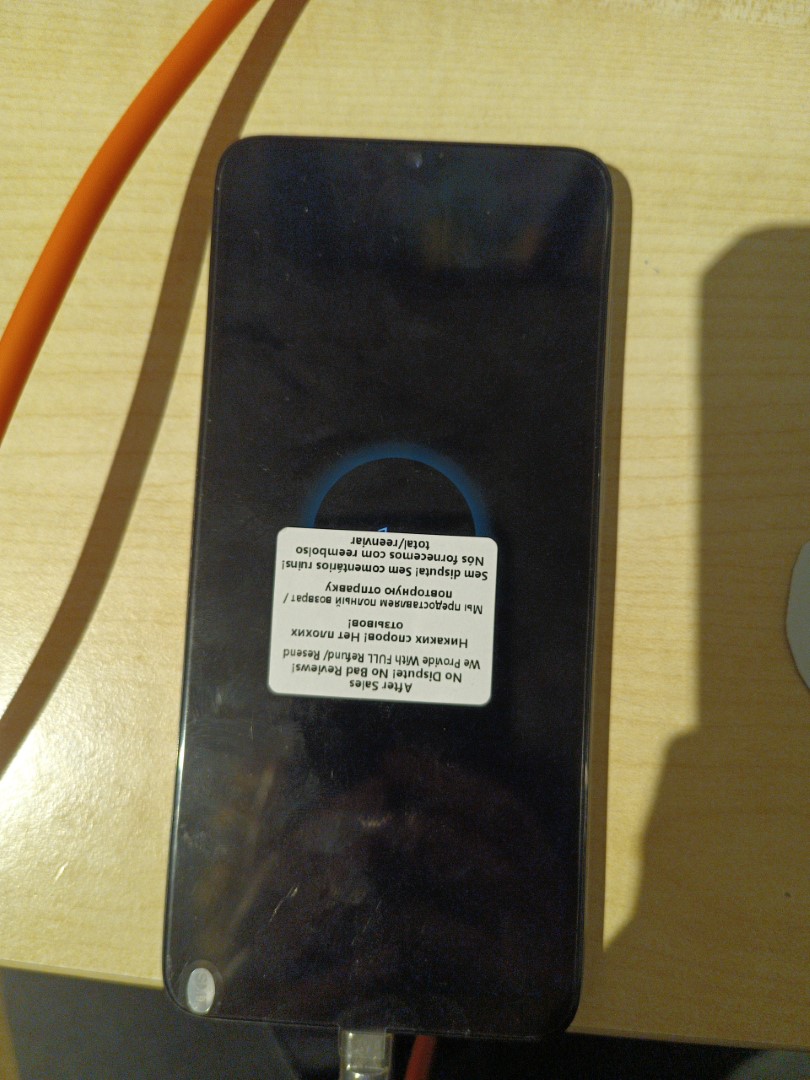
My sister had this Samsung Galaxy A70 before she got her IPhone, and it always worked great. I took it to maybe utilize in one of my many projects. At first my idea was to use it to run Klipper for my 3D printer, but when I tried to power it on, it did nothing. I figured the screen must have been broken, so I ordered a new one off AliExpress and got to work replacing it. The screen is not just a screen but the whole front frame, that's why it was relatively expensive compared to the other screen replacements I have done.
The first step was of course to remove the back cover by applying some heat
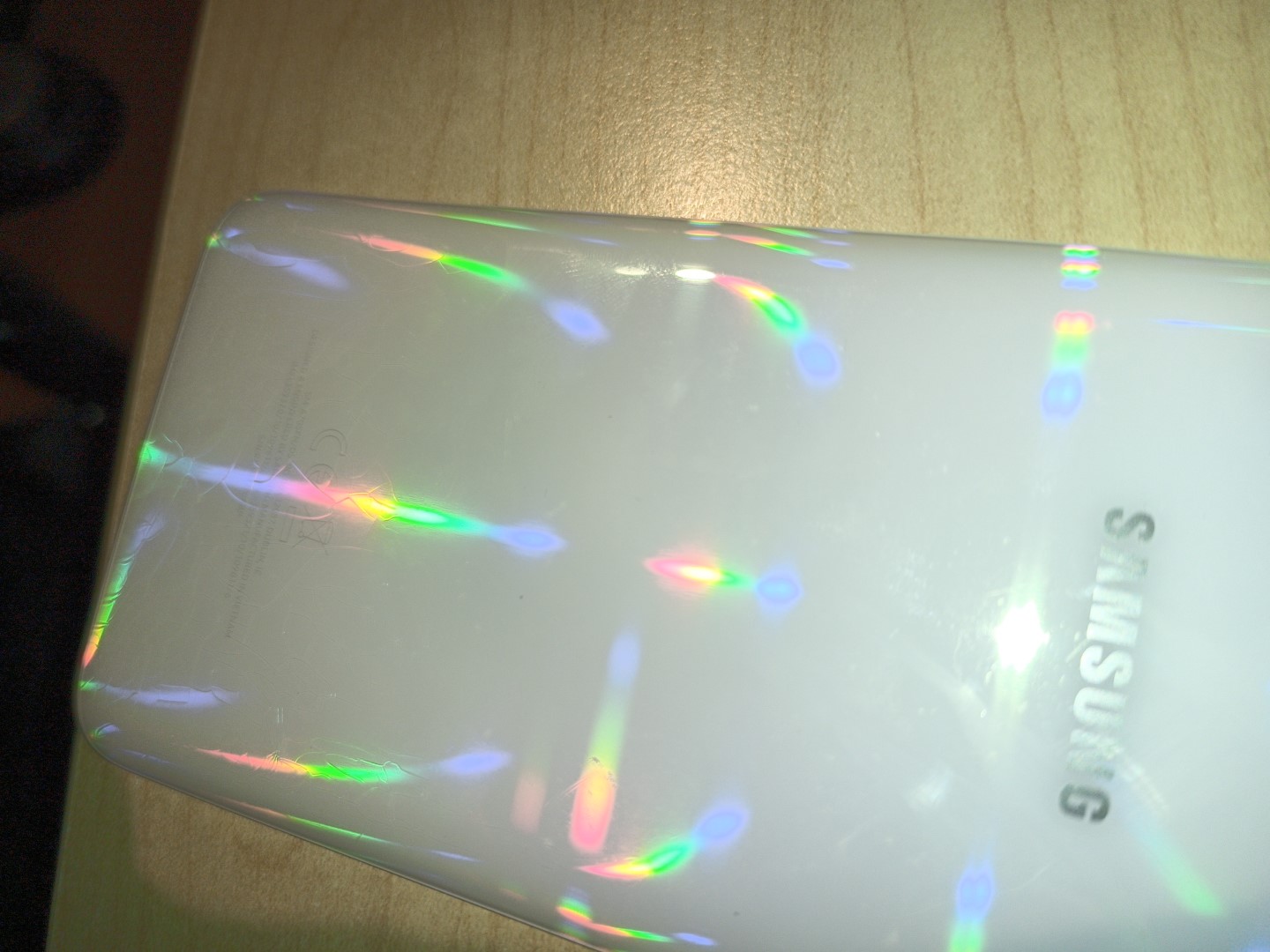
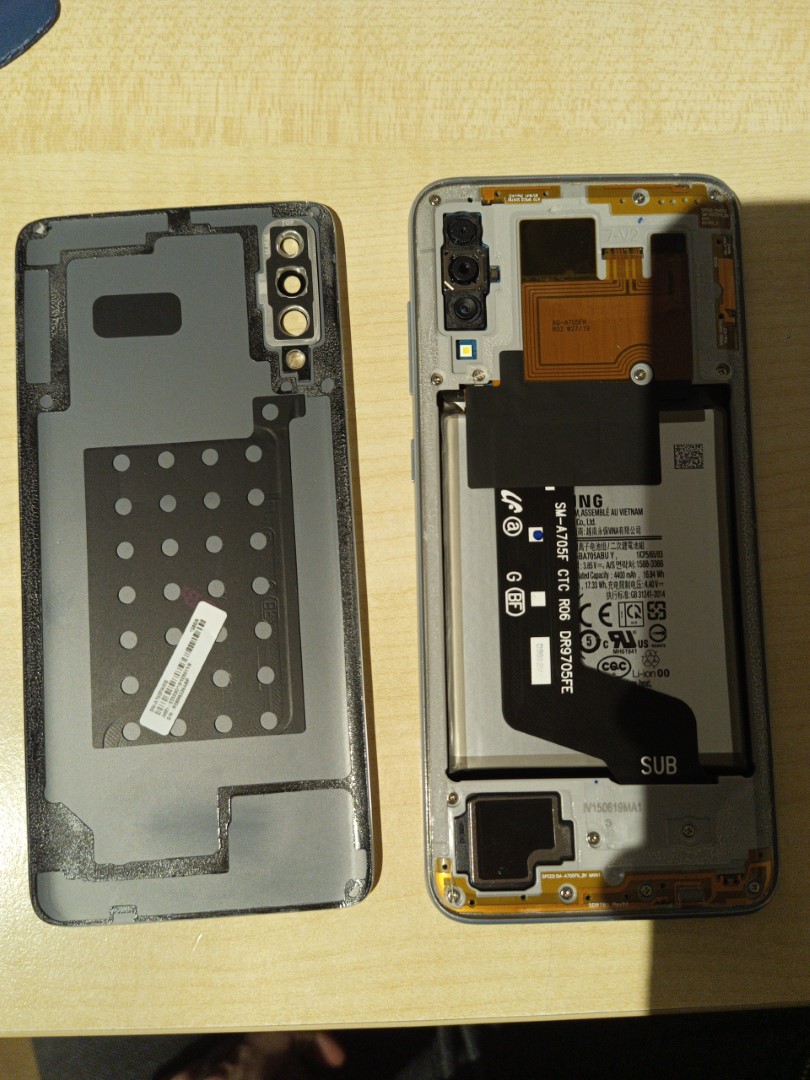
There are a total of 14 screws in the back after removing the back cover. These all need to be removed. They are luckily all the same size and have all Phillips heads.
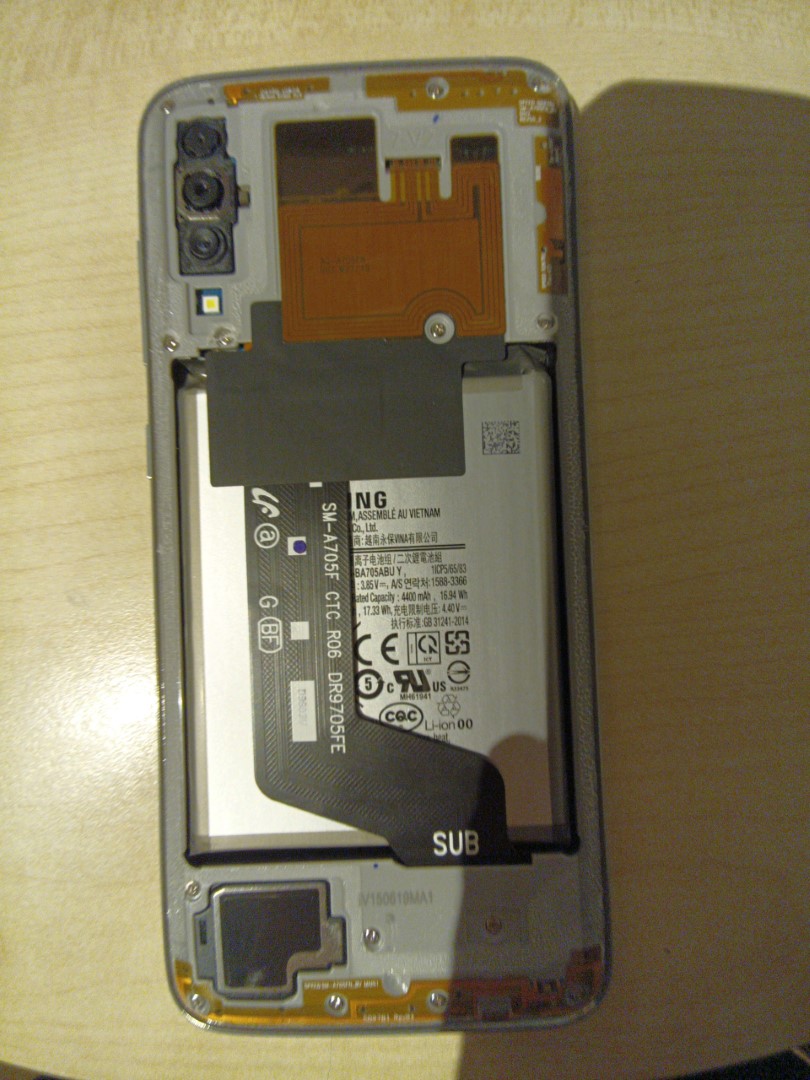
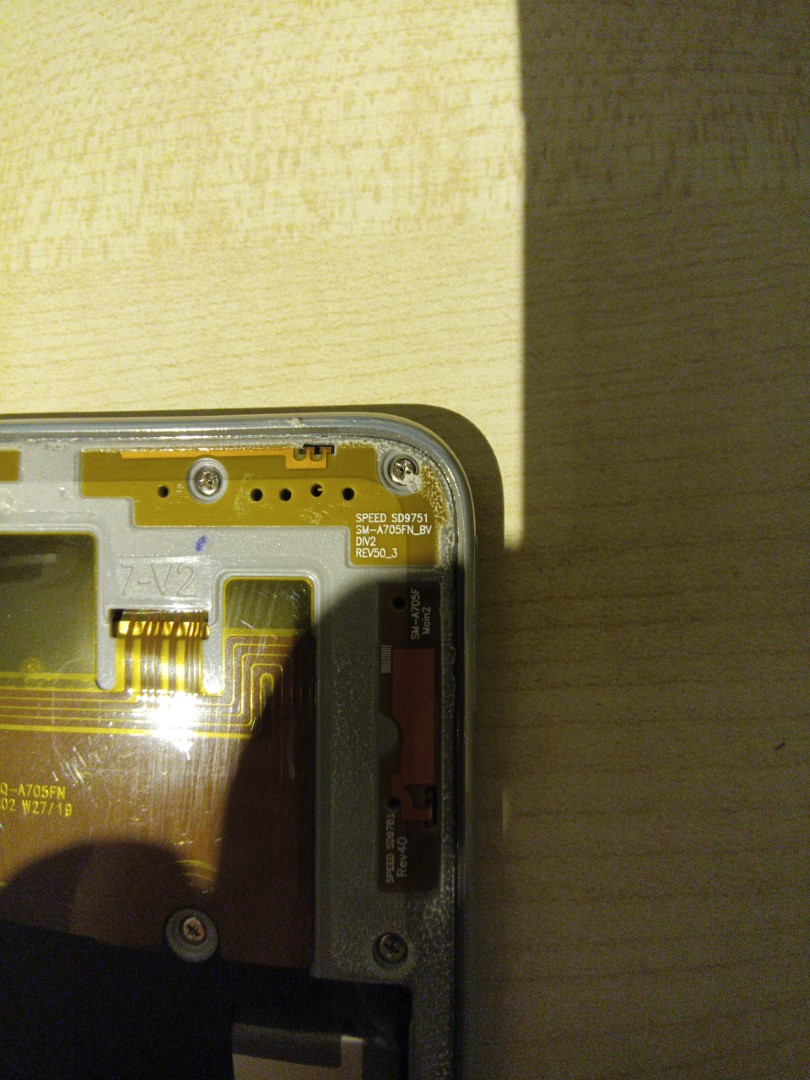
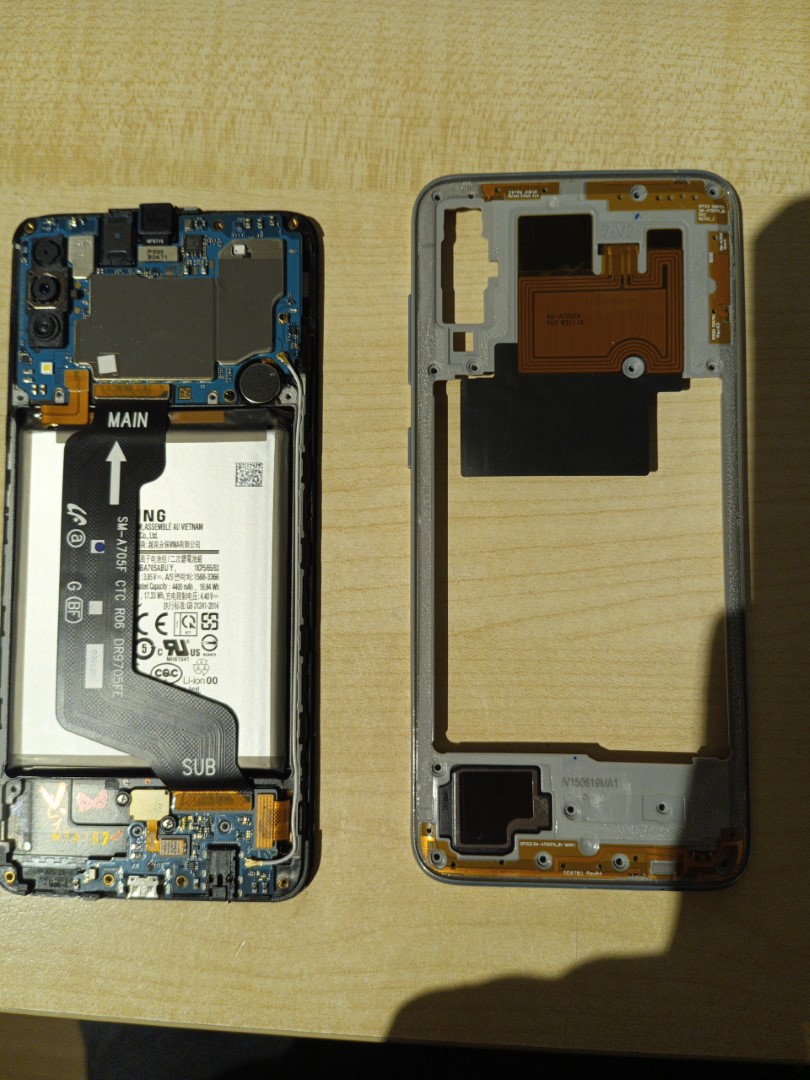
After that cover is off, the top subframe also needs to be removed. Before doing that though, make sure to disconnect the antenna wire.
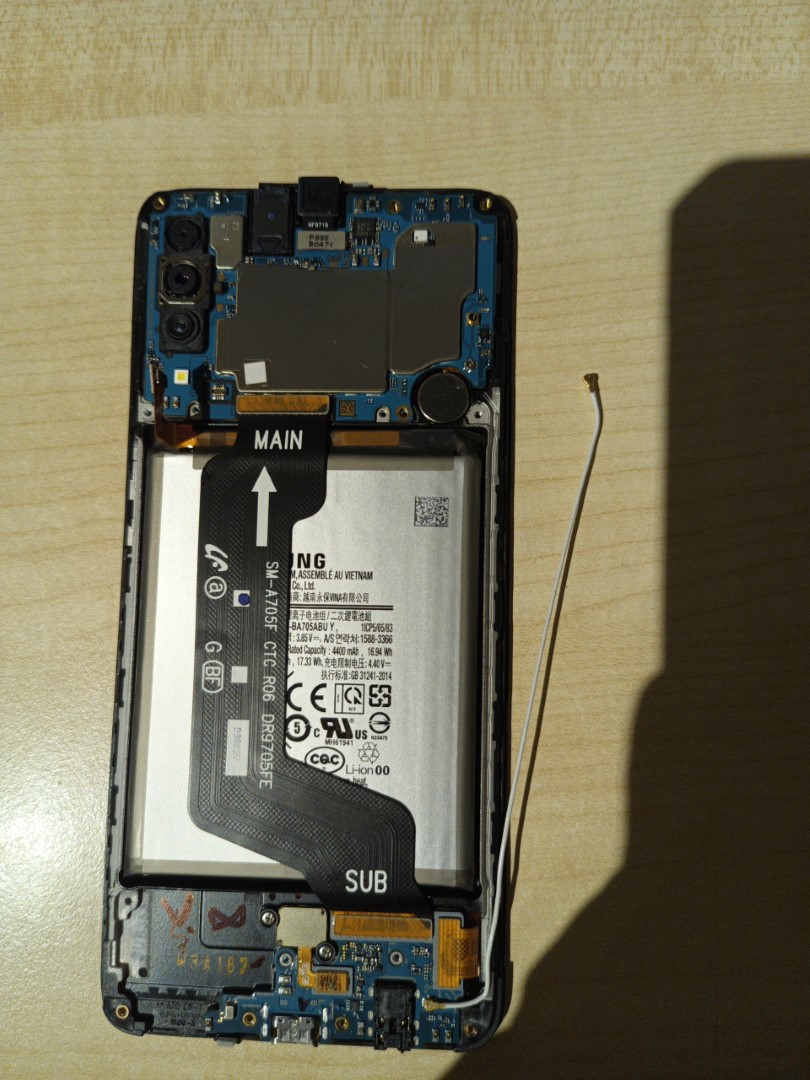
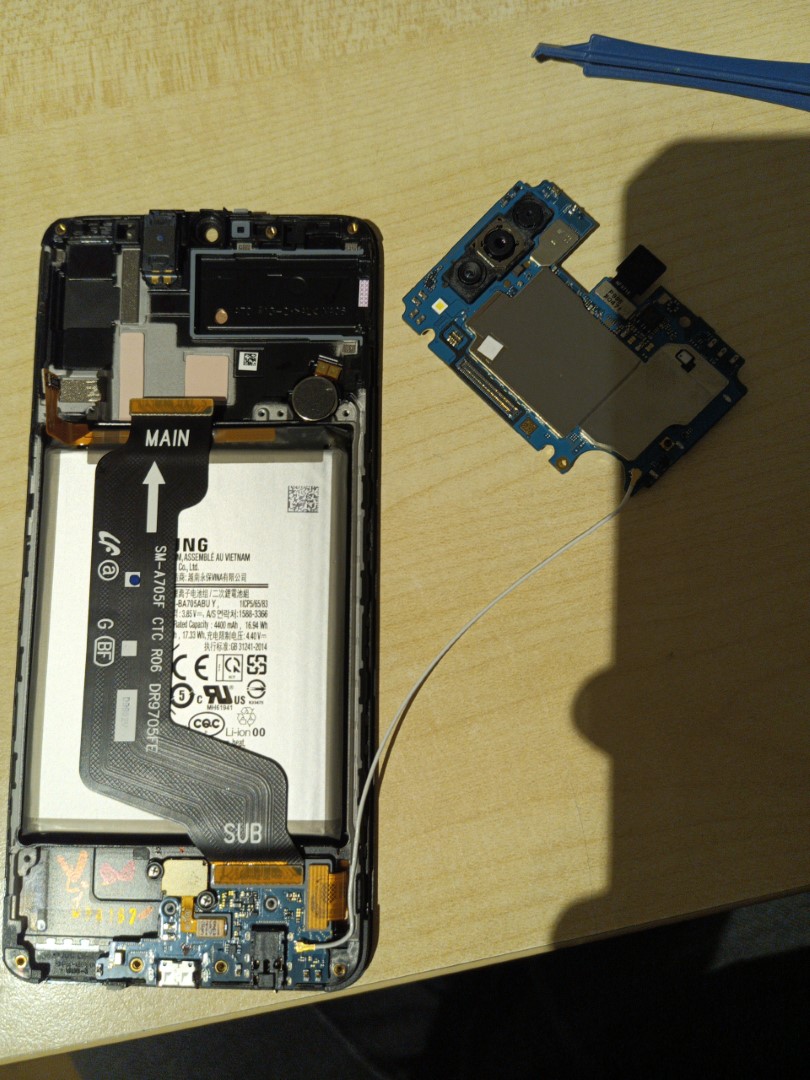
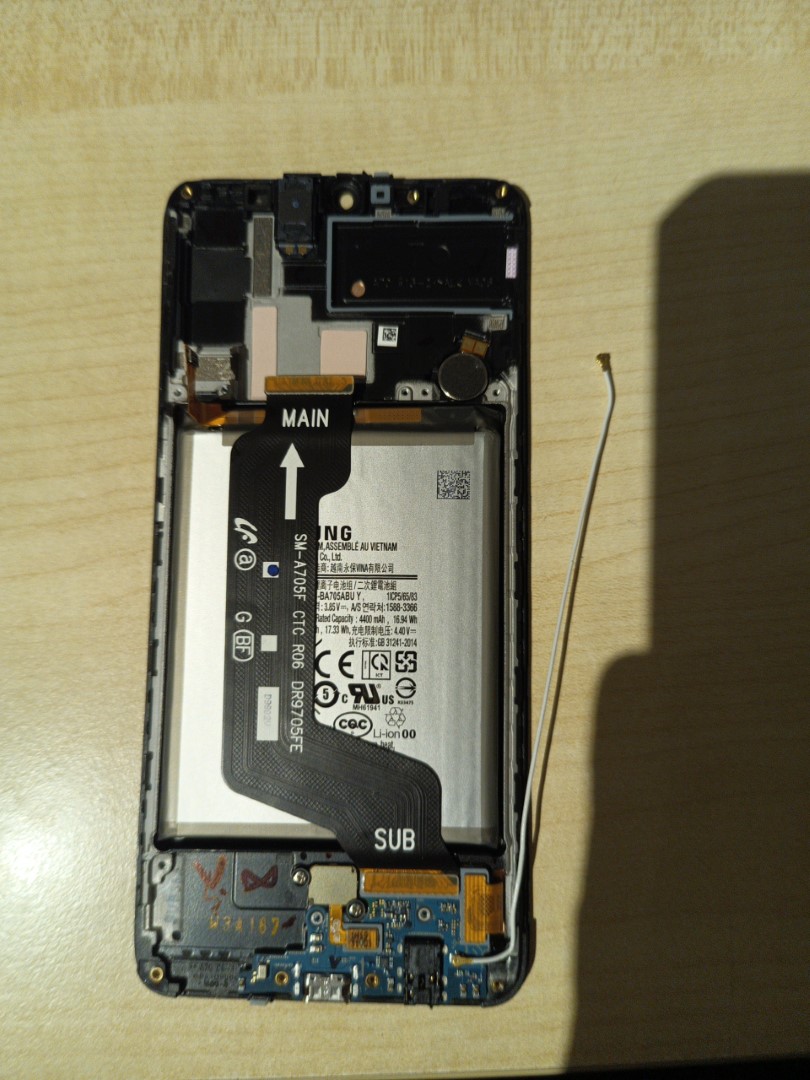
Then, you can disconnect the bus cable and the bottom subframe
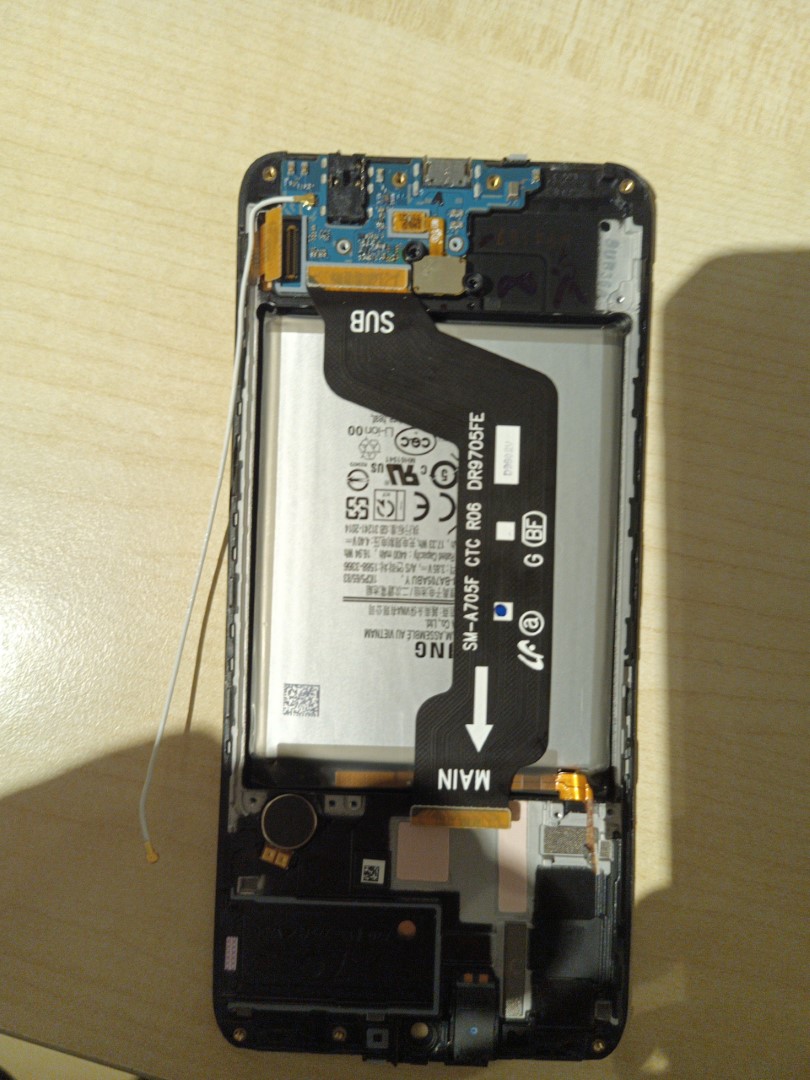
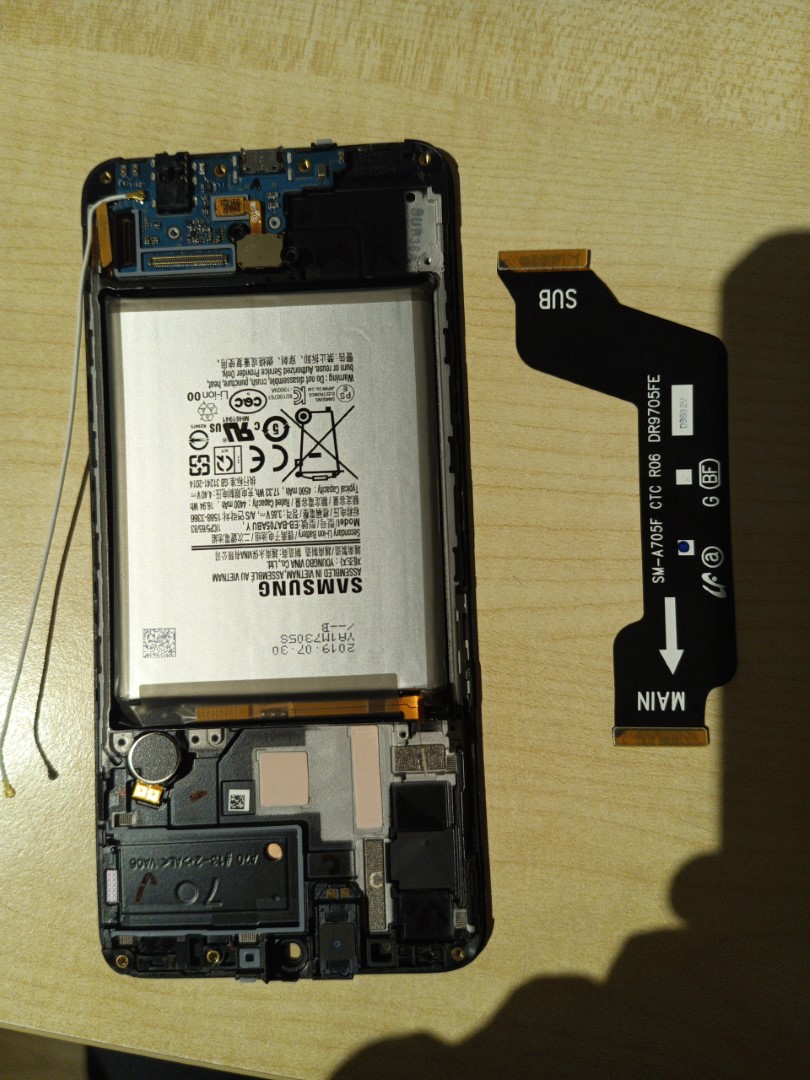
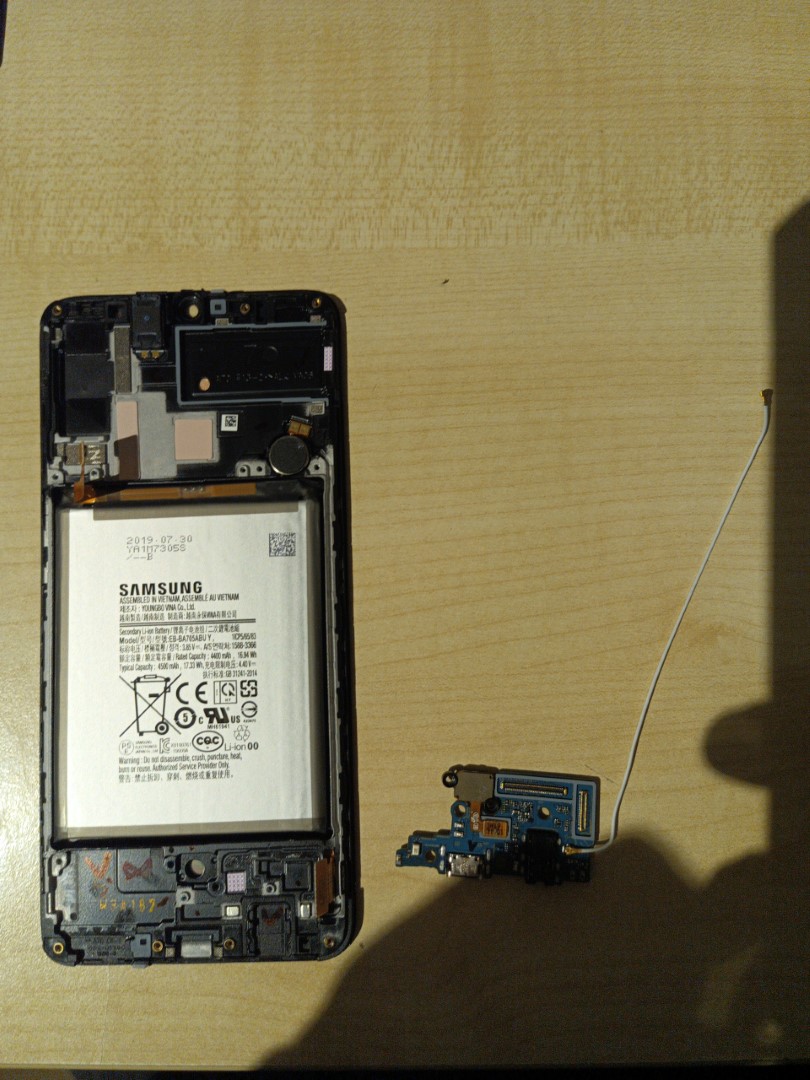
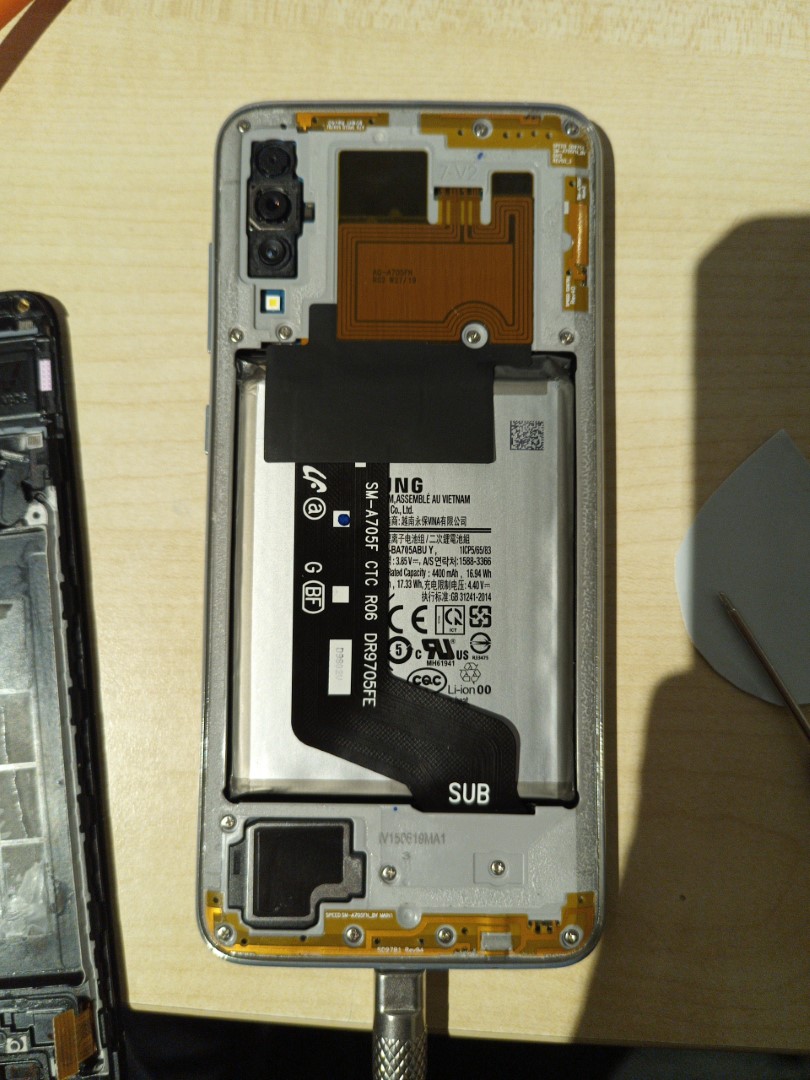
After that, remove the battery. Be careful with this though, as it's glued on pretty tight. I used a heat gun to soften the glue and then carefully peeled it off. While doing this, the speaker fell out, so be careful of that. This needs to be replaced into the new frame/screen though, so you have to take it out regardless. You also need to remove the vibration motor because it also needs to be put into the new frame.
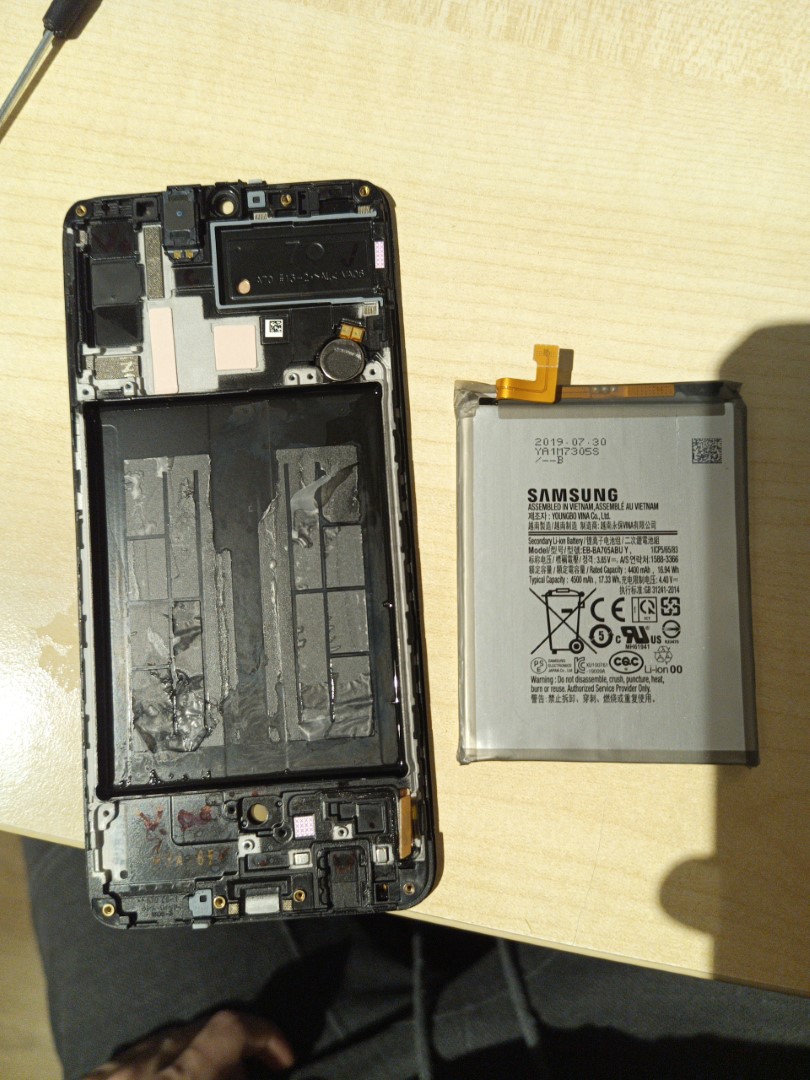
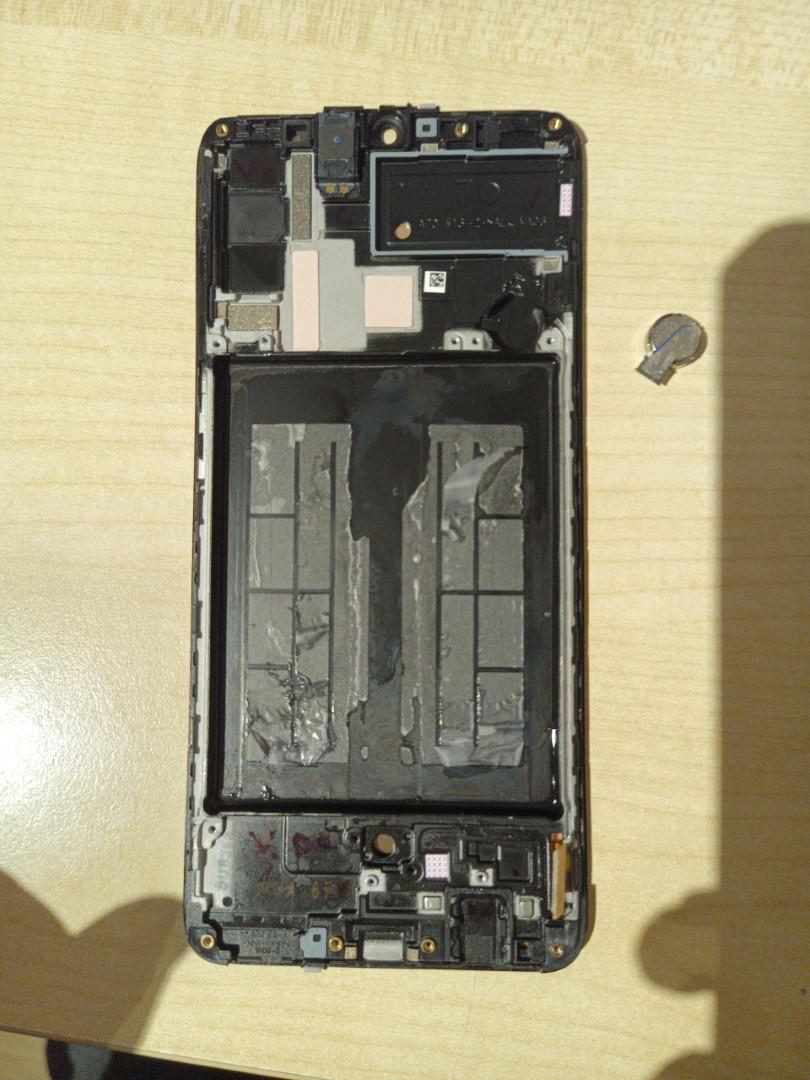
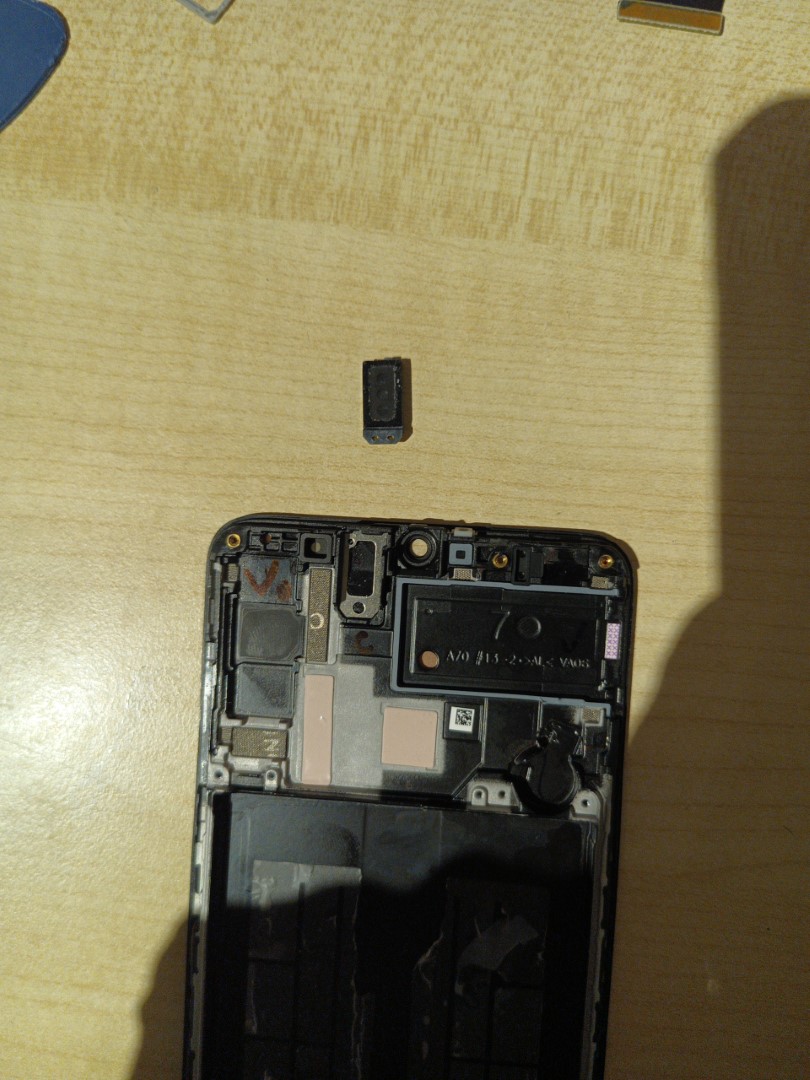
Here you can see the old and new frame next to eachother.
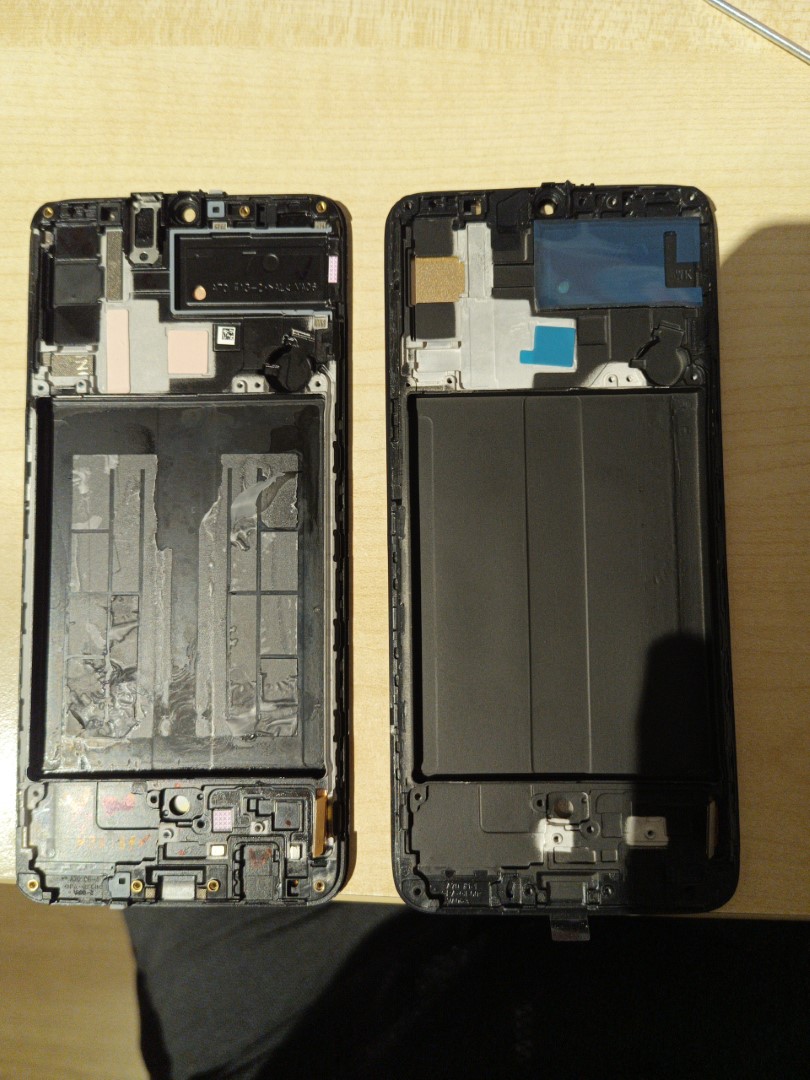
After that, you can put all the components from the old frame into the new frame. I started with the bottom subframe, speaker and vibration motor. Be careful of the little rubber piece that you also need to put back, as it's easy to miss.
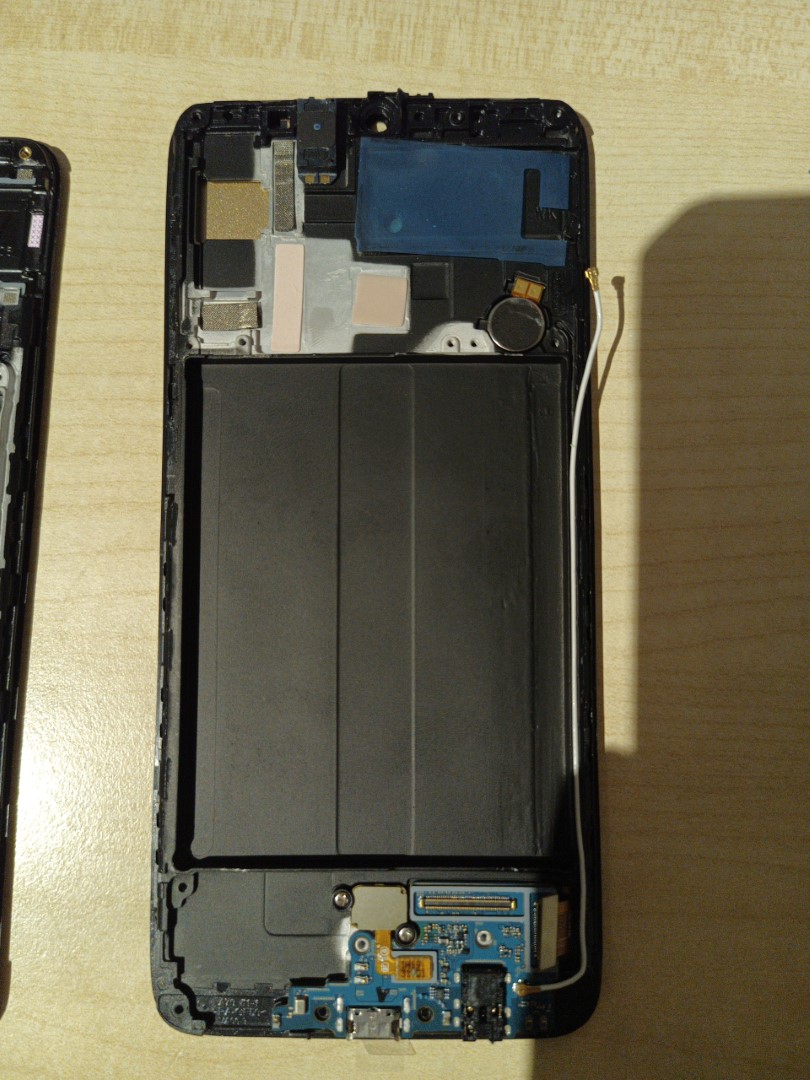
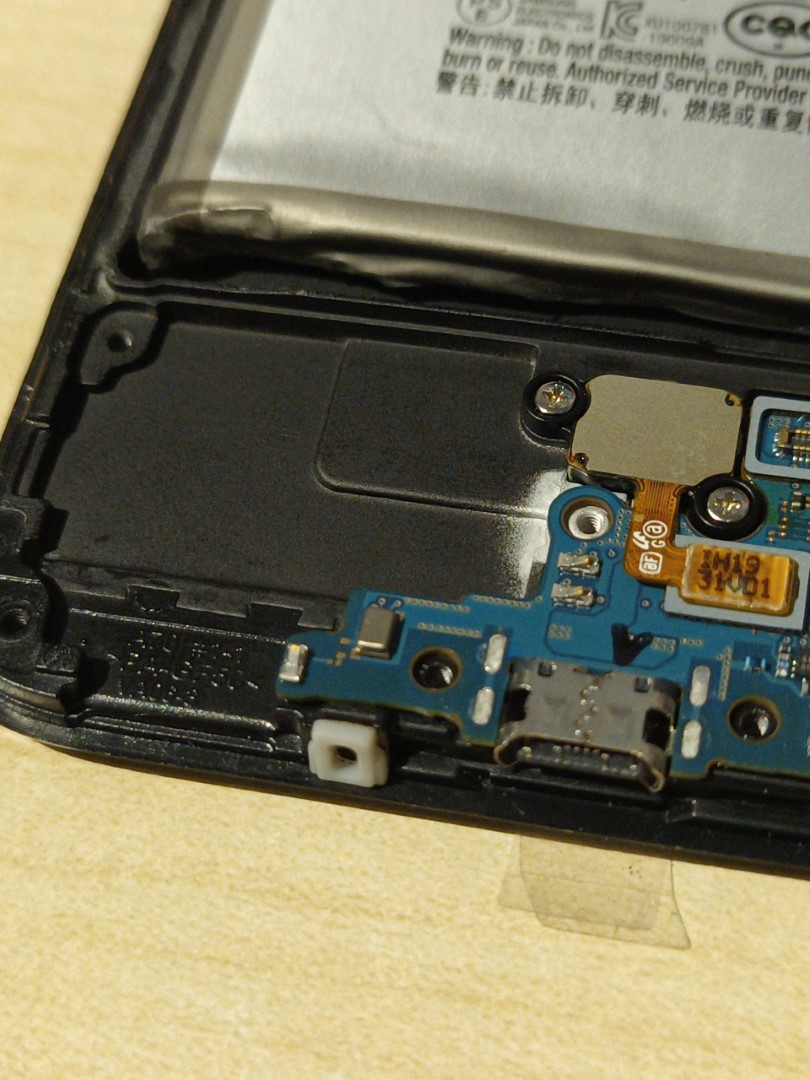
After that, put the battery back in its place using some T6000 glue. Wait a bit for this to dry before continuing with the rest of the repairs.
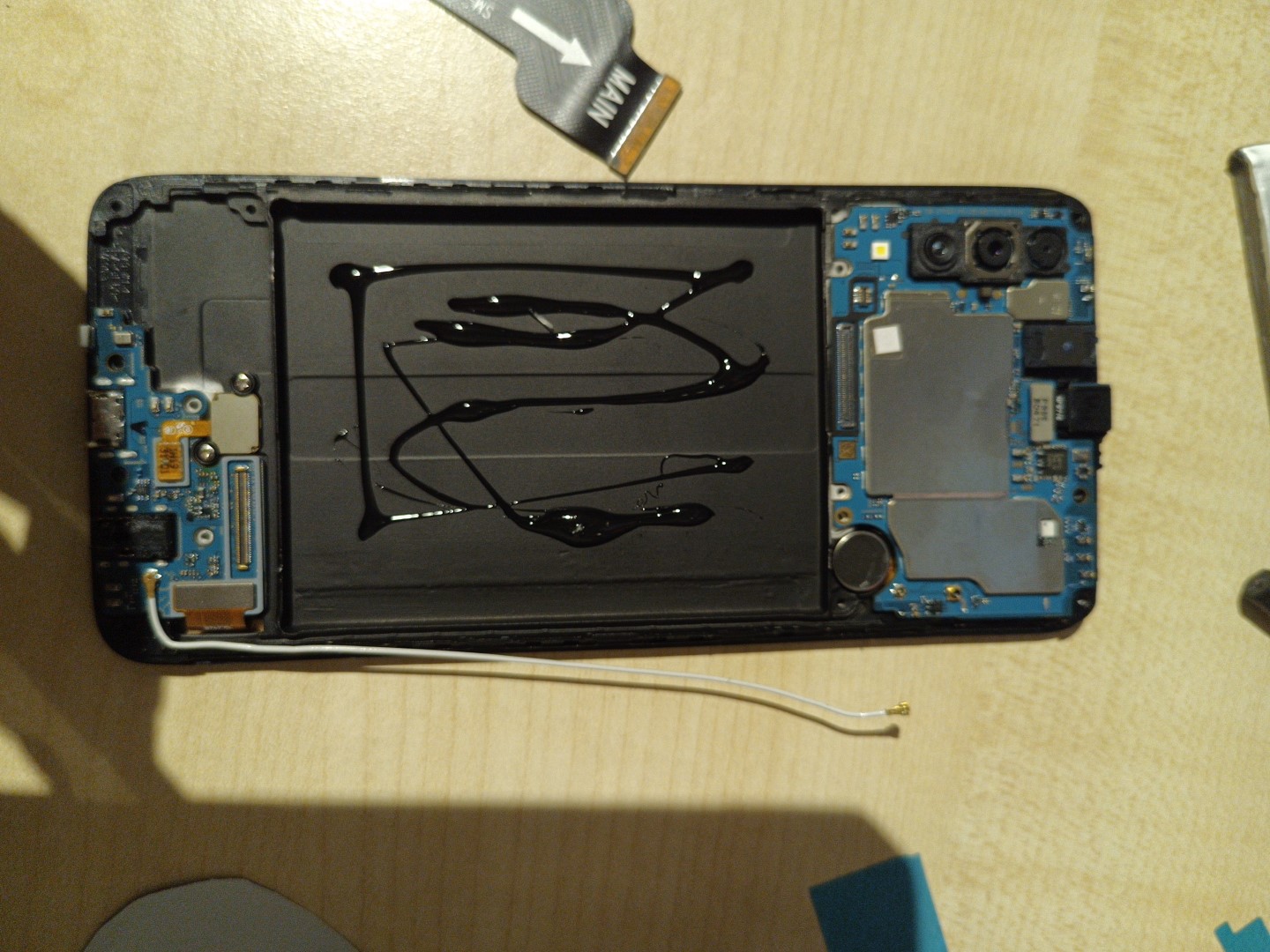
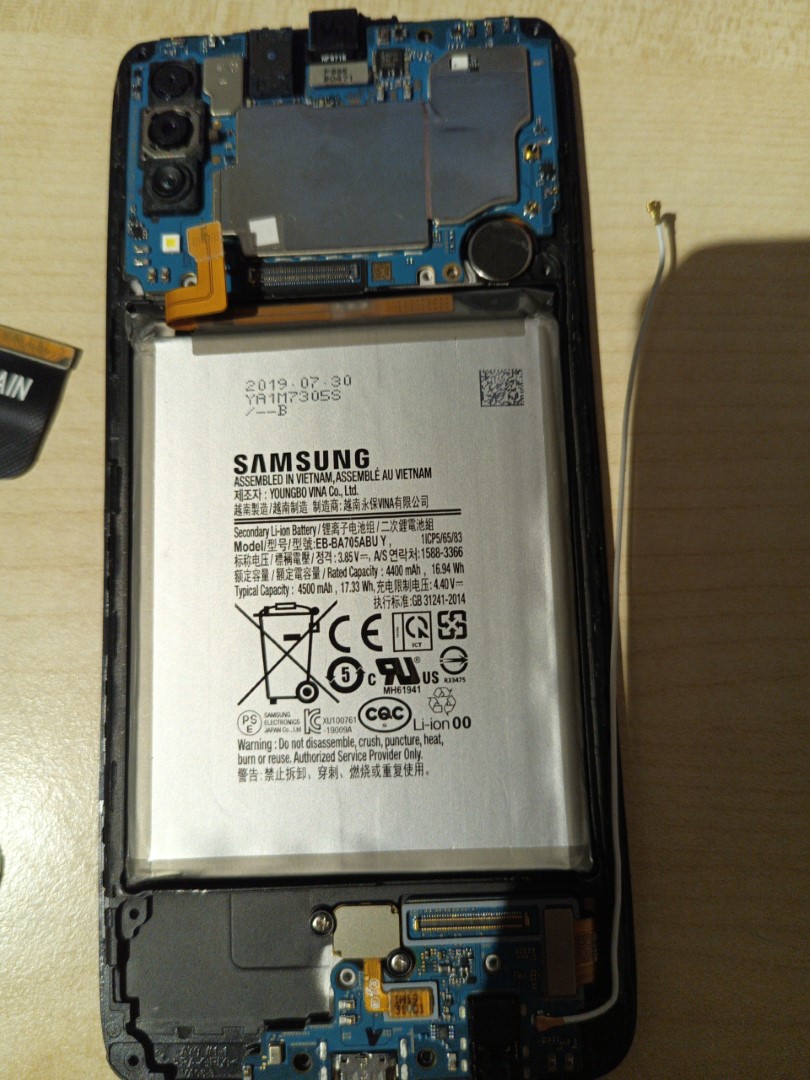
Be sure to check if the screen works properly before screwing in the back again.
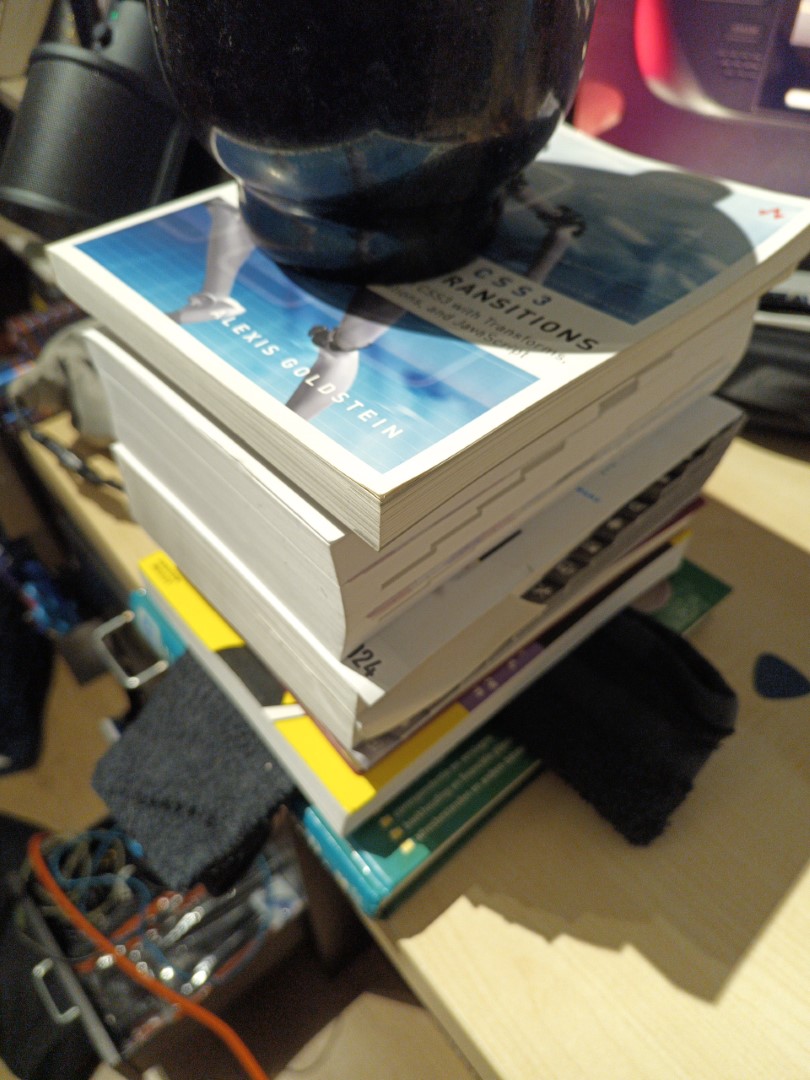
Then, glue the back on with the same glue as for the battery, and leave it to dry overnight with something heavy on top
And voila! Screen replacement finished (^^ゞ